
Toggle & Timer
Say It Last checks on you first.
The Toggle is the safety loop that separates ordinary life from a moment when your Trusted Contact may need access.
Set your check-in
Choose the timing that fits the situation you are planning for. The Toggle remains under your control.
Confirm you are safe
When Say It Last checks in and you respond, nothing is released. Your timing can reset or continue according to the app flow.
If you stop responding
Warnings and the release window matter. Only after the release condition is met can the Trusted Contact handoff begin.
See it in the app
Try the Toggle safety loop.
Start with the real app screen, then step through the public demonstration. The demo uses a 30-minute warning example and no real customer information.
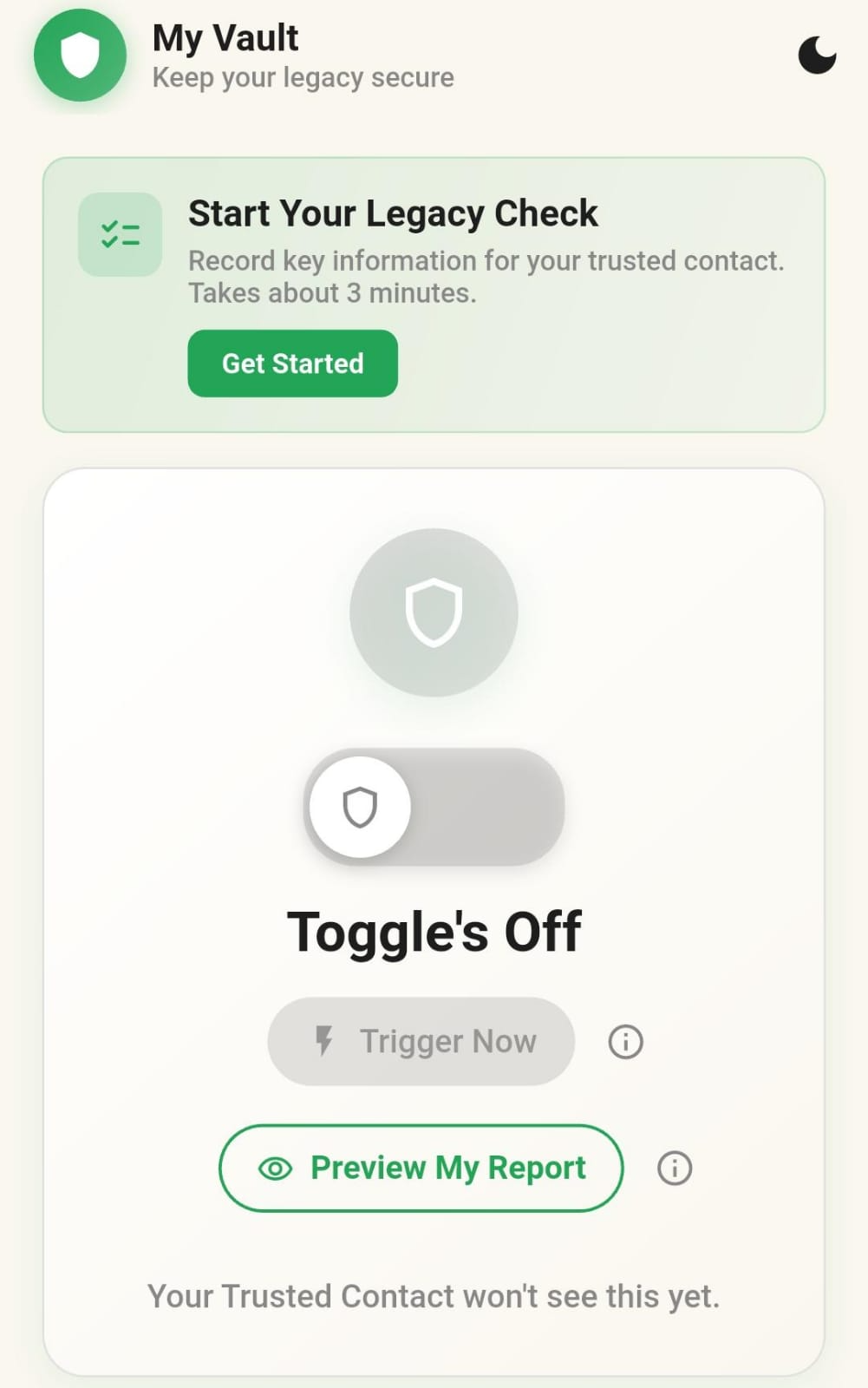
The Toggle begins off. Nothing is active until you decide.
Interactive demonstration
Turn timing on only when you are ready.
The Toggle begins OFF. Nothing is active until you decide.
Say It Last checks on the person first. If they respond, nothing is released.
Safe means private.
The app is designed to check on the person first—not assume the worst.