
How It Works
Say It Last checks on you first.
If you’re okay, nothing happens. If you stop responding, the people you trust know where to start.
Organize practical guidance, choose your Trusted Contact, set your check-in timing, and keep control of when information can be released.
Patent pending · privacy-first · built around user control
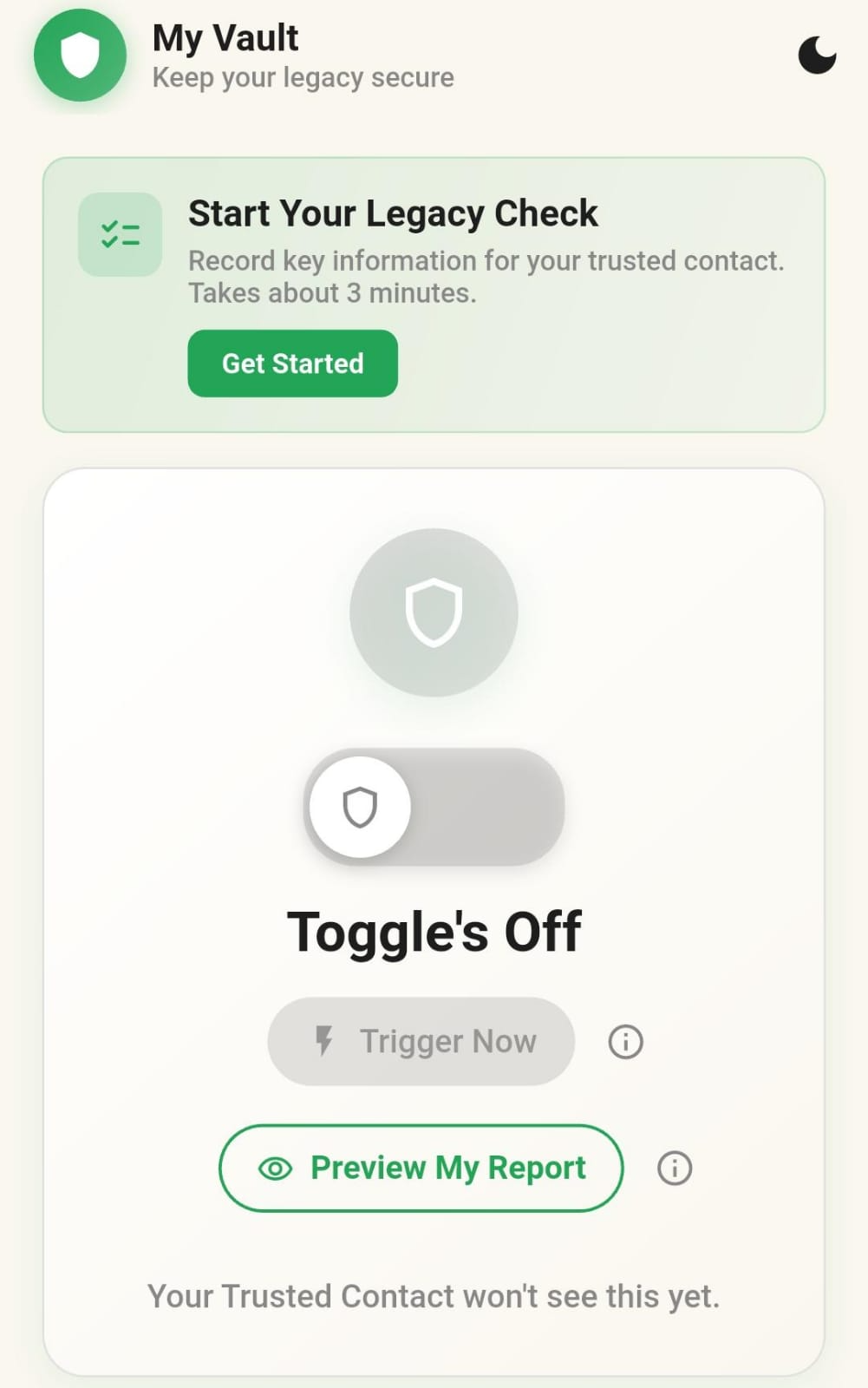
Organize what matters.
Keep practical guidance, pet care, account notes, wishes, contacts, and document locations together in your private Vault.
Choose your person.
Select a Trusted Contact—the person who should know where to start if you cannot explain it yourself.
Set your check-in.
Turn on the Toggle and choose the timing that fits your life. Say It Last follows the reminder and release process you set.
Respond and nothing releases.
If you confirm you’re safe, your information stays private. If you stop responding through the release window, the Trusted Contact process can begin.
Timing + Control
The Toggle shows when it can release.
See how check-ins, reminders, timing, and the “Are you safe?” moment work together before any release happens.
See the Toggle & TimerTrusted Contact
The report shows what they receive.
See how the guidance you prepared is organized into a clear place to begin for the person you chose.
See What They ReceiveBuilt for real life
Not just an estate-planning moment.
Say It Last is useful anywhere a trusted person may need clear instructions if you suddenly cannot answer.
Explore Say It Last
Guidance, answers, and tools in one safer place.
Handled. Decided. Safe.
Start with the people you love.
Create your account, choose your Trusted Contact, and leave the guidance they may one day need.